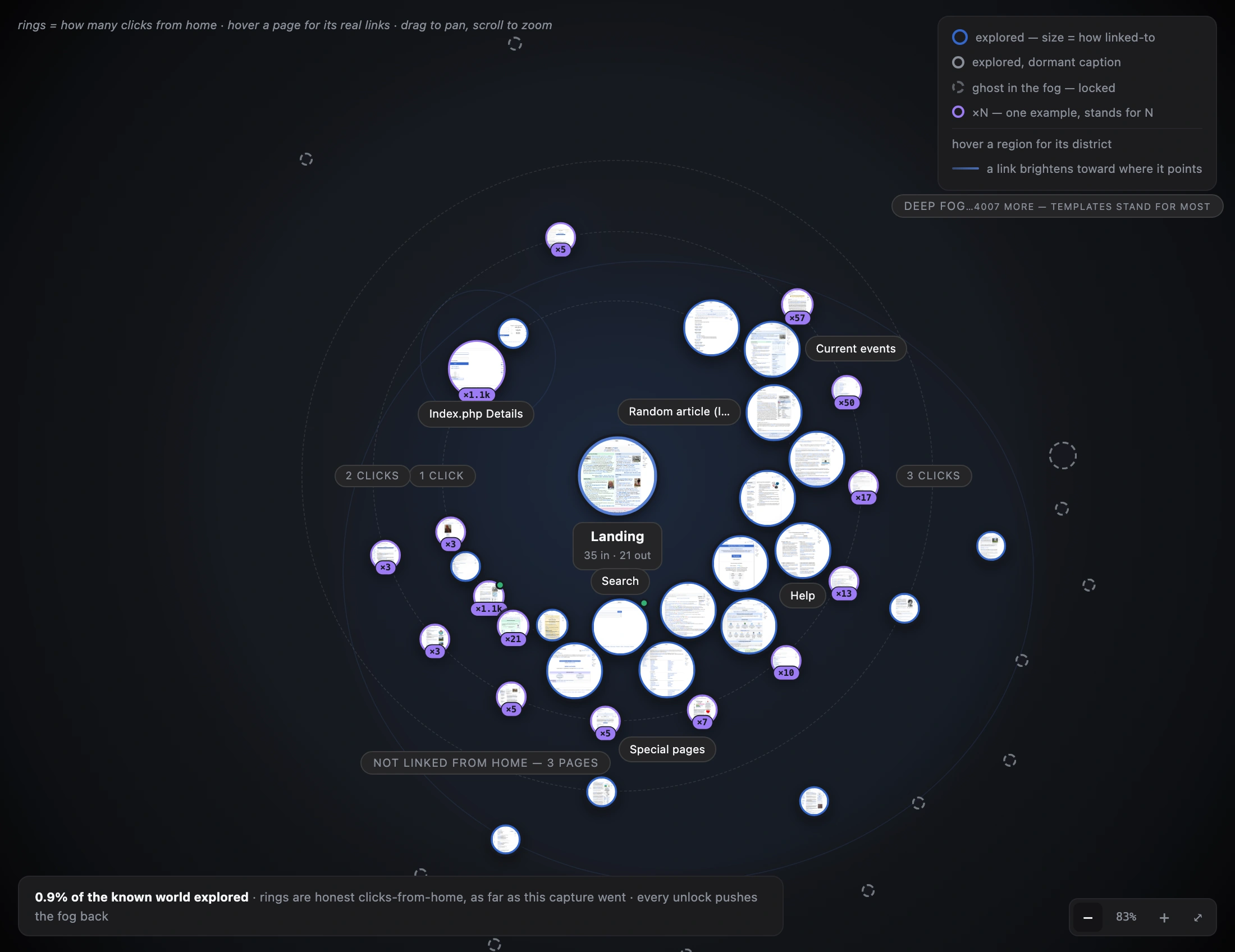
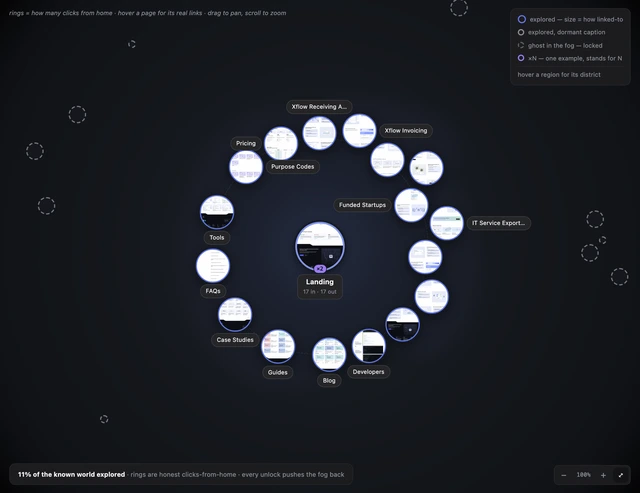
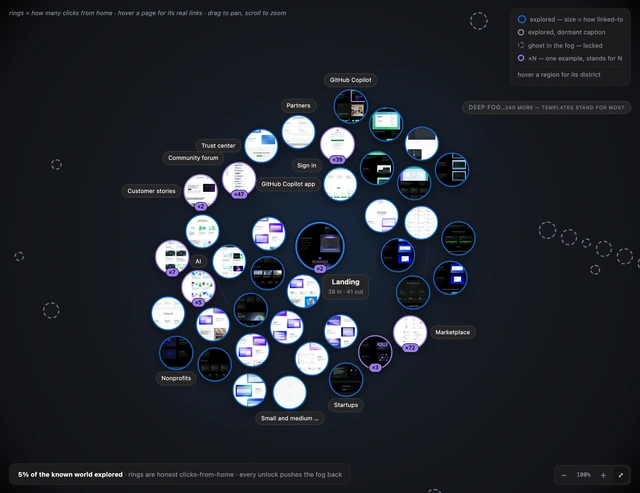
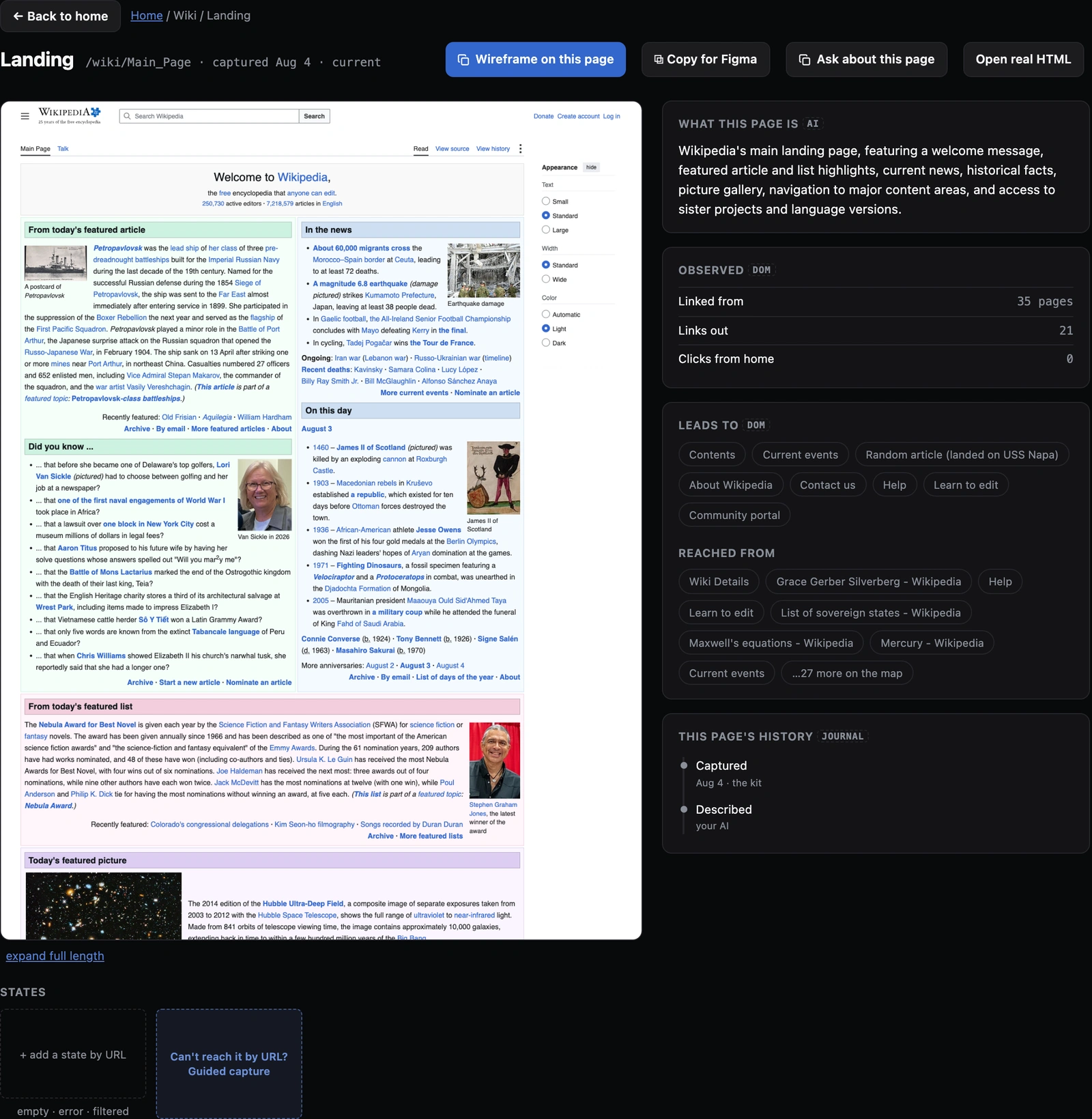
A screenshot, the real HTML, every word of copy, the styles it uses, a digest your AI writes, and the metadata. Every one of those is extracted from the real product, and nothing here is a summary of a summary. Your AI starts at registry.json; you start at INDEX.md.
design-context/
the captured library: one workspace, one product
├── registry.json
the machine map: every page keyed by slug, with route, label, files, link graph, template info and a labelled description. The file to point an AI at.
├── INDEX.md
the same map rendered for a person to read, with the prose framing.
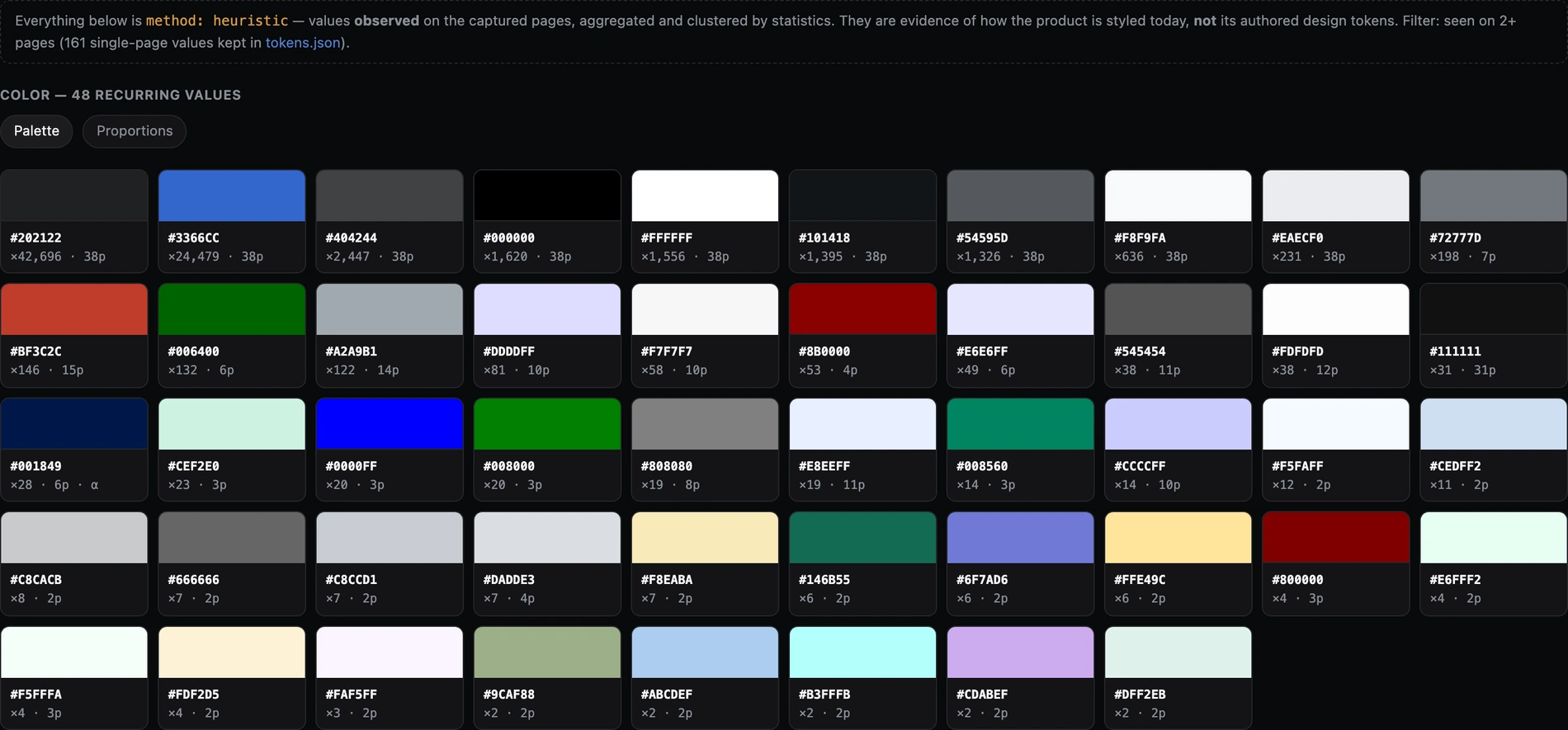
├── tokens.json
the colours, type sizes, spacing steps and radii the product actually uses, each with the count of times it was seen.
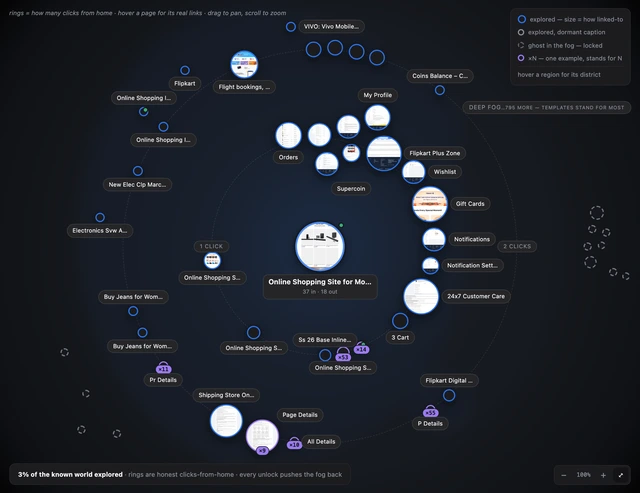
├── ia/sitemap.json
your product's navigation as it was found, not as anyone remembers it.
├── pages/<slug>/
one folder per captured page
├── page.md
the page's digest: facts, link graph, and a "what this page is" section your AI writes and the kit labels method: ai.
├── page.html
the editable baseline. Opens in a browser, and is what wireframes are built on top of.
├── screenshot.png
what the page looked like when it was captured.
├── content.md
every word on the page, verbatim.
├── computed-tokens.json
this page's own style tally: the colours, type, spacing, radii and shadows it uses.
└── meta.json
route, title, nav label, the outbound links, the capture's viewport and timestamp, and a content hash that tells you what changed on a re-capture.
└── wireframes/<slug>/
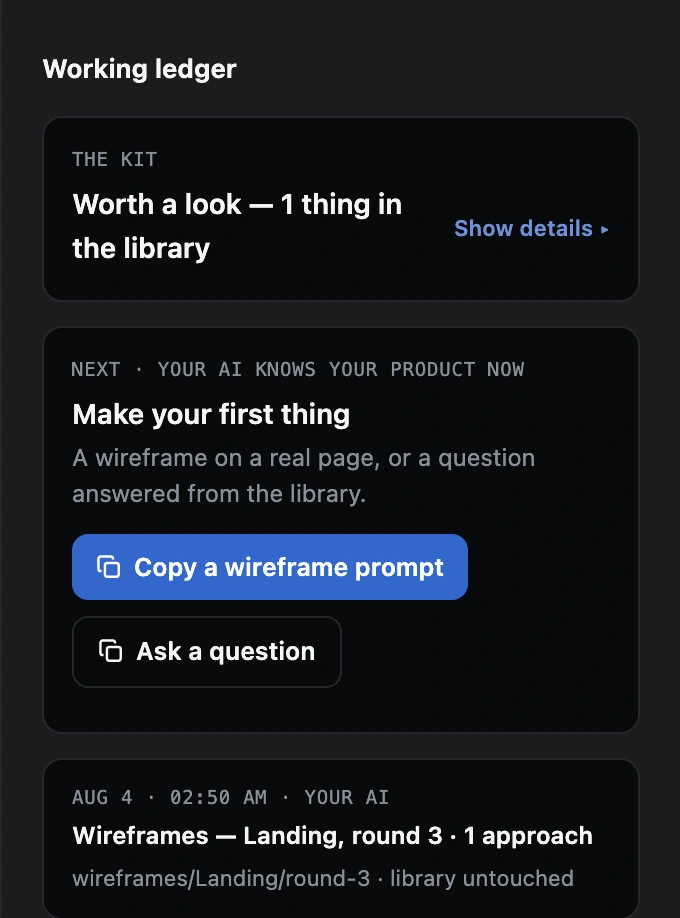
the designs your AI made for that page, kept in numbered rounds. This is the one branch that is not captured fact. A wireframe is design work: it is built on a copy of the page's snapshot, and the snapshot itself is never touched.
Captured a product you sign in to? The library then holds your real account data. It stays in your folder, and the browser profile the login created is gitignored and never leaves your machine.